这次我们来实现用按键控制led 不带中断的方式 当然实例来源网络 加上自己整合 先熟悉流程
0.添加一个自己写的驱动库文件
为什么添加 笔者想的是一个项目工程希望能适应很多个应用场景需要什么直接在里面调用分装好的函数就行
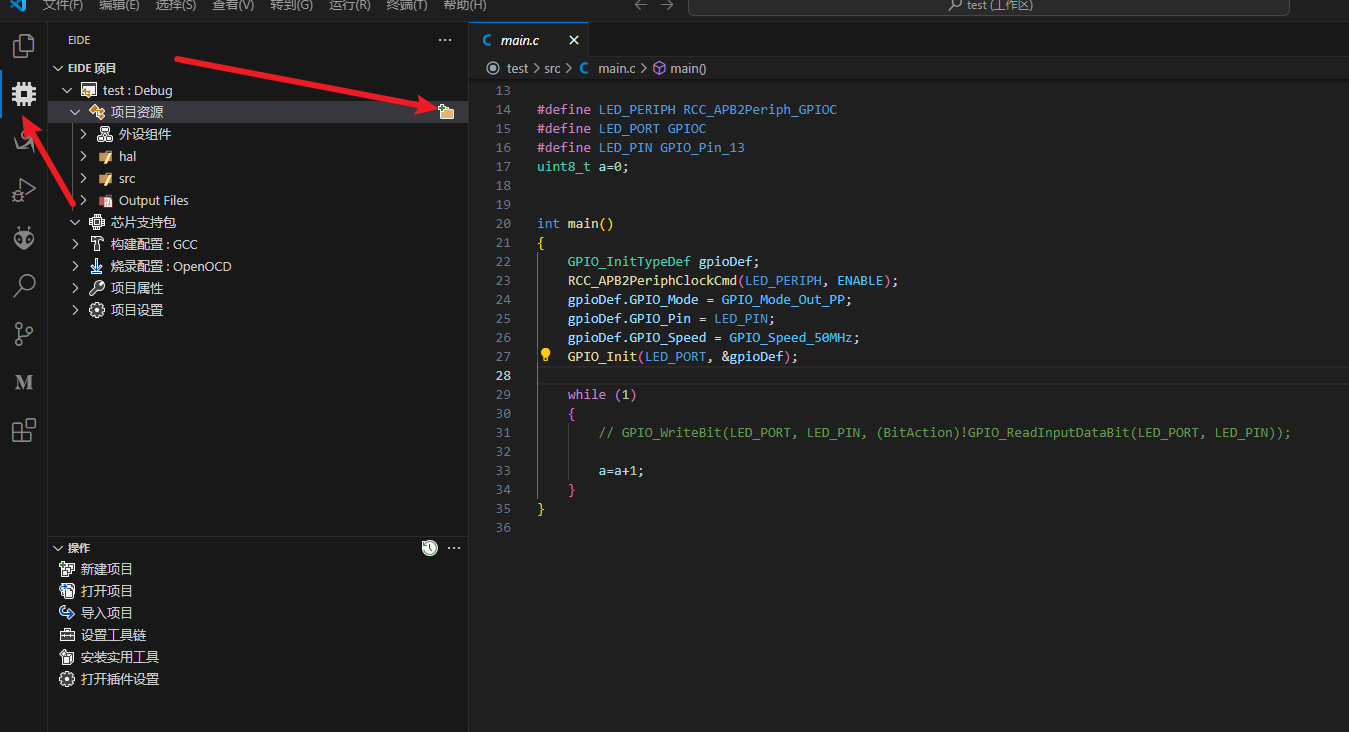
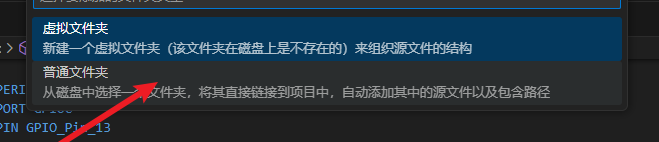
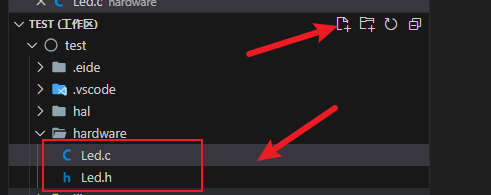
1.如何添加文件以及编写驱动后编译
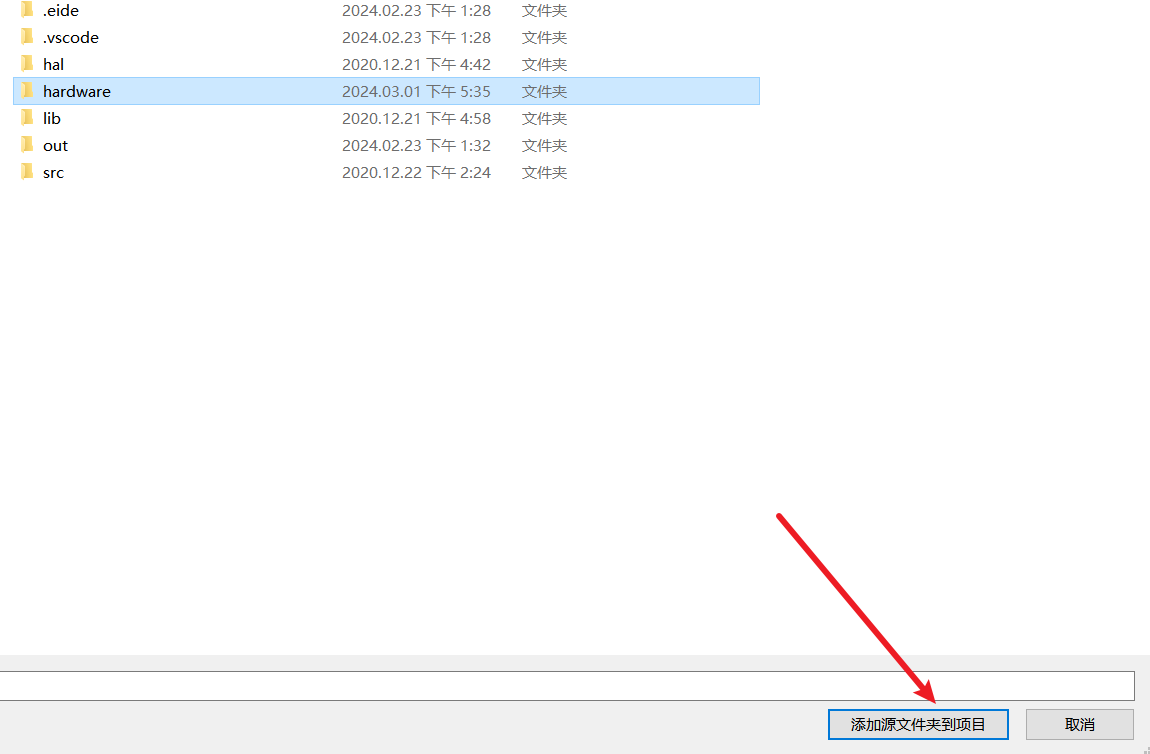
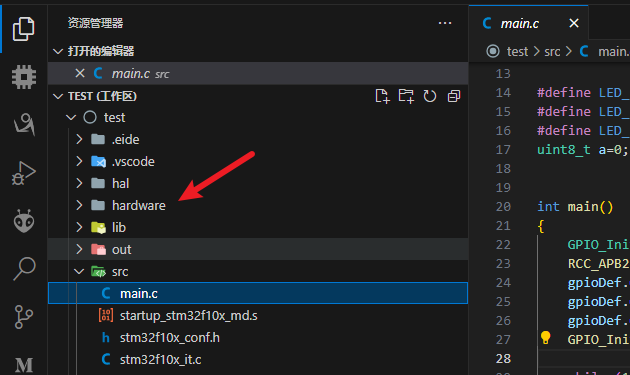
用之前案例讲到的实例工程添加一个Hardware文件夹 :
1.封装LED库函数
Led.C 引脚按需配置
 1
 2
 3
 4
 5
 6
 7
 8
 9
10
11
12
13
14
15
16
17
18
19
20
21
22
23
24
25
26
27
28
29
30
31
32
33
34
#include "stm32f10x.h" // Device header
// LED 初始化
void LED_Init ( void ){
GPIO_InitTypeDef GPIO_InitStruct ;
RCC_APB2PeriphClockCmd ( RCC_APB2Periph_GPIOC , ENABLE );
GPIO_InitStruct . GPIO_Mode = GPIO_Mode_Out_PP ;
GPIO_InitStruct . GPIO_Pin = GPIO_Pin_13 ;
GPIO_InitStruct . GPIO_Speed = GPIO_Speed_50MHz ;
GPIO_Init ( GPIOC , & GPIO_InitStruct );
// 初始化 置1
GPIO_SetBits ( GPIOC , GPIO_Pin_13 );
}
void LED_ON ( void ){
GPIO_ResetBits ( GPIOC , GPIO_Pin_13 );
}
void LED_OFF ( void ){
GPIO_SetBits ( GPIOC , GPIO_Pin_13 );
}
// 高低电平反转
void LED_Turn ( void )
{
if ( GPIO_ReadOutputDataBit ( GPIOC , GPIO_Pin_13 ) == 0 )
{
GPIO_SetBits ( GPIOC , GPIO_Pin_13 );
}
else
{
GPIO_ResetBits ( GPIOC , GPIO_Pin_13 );
}
}
Led.h
1
2
3
4
5
6
7
8
9
#ifndef __LED_H
#define __LED_H
void LED_Init ( void ); // led 引脚初始化
void LED_ON ( void ); // led 开
void LED_OFF ( void ); // led 关
void LED_Turn ( void ); // led 反转
#endif
2.封装Key函数库
和上步相同
Key.c
 1
 2
 3
 4
 5
 6
 7
 8
 9
10
11
12
13
14
15
16
17
18
19
20
21
22
23
24
25
26
27
28
29
30
31
32
33
34
35
36
37
38
#include "stm32f10x.h" // Device header
#include "Delay.h"
// 初始化接地按键
void Key_Init ( void ){
GPIO_InitTypeDef GPIO_InitStruct ;
RCC_APB2PeriphClockCmd ( RCC_APB2Periph_GPIOB , ENABLE );
GPIO_InitStruct . GPIO_Mode = GPIO_Mode_IPU ;
GPIO_InitStruct . GPIO_Pin = GPIO_Pin_13 | GPIO_Pin_12 ;
GPIO_InitStruct . GPIO_Speed = GPIO_Speed_50MHz ;
GPIO_Init ( GPIOB , & GPIO_InitStruct );
}
uint8_t Key_GetNum ( void ){
uint8_t Key_Num = 0 ;
if ( GPIO_ReadInputDataBit ( GPIOB , GPIO_Pin_13 ) == 0 ){
Delay_ms ( 20 );
while ( GPIO_ReadInputDataBit ( GPIOB , GPIO_Pin_13 ) == 0 );
Delay_ms ( 20 );
Key_Num = 1 ;
}
if ( GPIO_ReadInputDataBit ( GPIOB , GPIO_Pin_12 ) == 0 ){
Delay_ms ( 20 );
while ( GPIO_ReadInputDataBit ( GPIOB , GPIO_Pin_12 ) == 0 );
Delay_ms ( 20 );
Key_Num = 2 ;
}
return Key_Num ;
}
key.h
1
2
3
4
5
6
7
8
9
#ifndef __KEY_H
#define __KEY_H
void Key_Init ( void );
uint8_t Key_GetNum ( void );
#endif
编写功能需求
main.c
 1
 2
 3
 4
 5
 6
 7
 8
 9
10
11
12
13
14
15
16
17
18
19
20
21
22
23
#include "stm32f10x.h" // Device header
#include "Delay.h"
#include "LED.h"
#include "Key.h"
uint8_t KeyNum ;
uint8_t StaNum = 0 ;
int main ( void )
{
LED_Init ();
Key_Init ();
while ( 1 )
{
KeyNum = Key_GetNum ();
if ( KeyNum == 1 )
{
LED_Turn ();
}
}
}
现象就是按一下按键led pc13状态反转一次
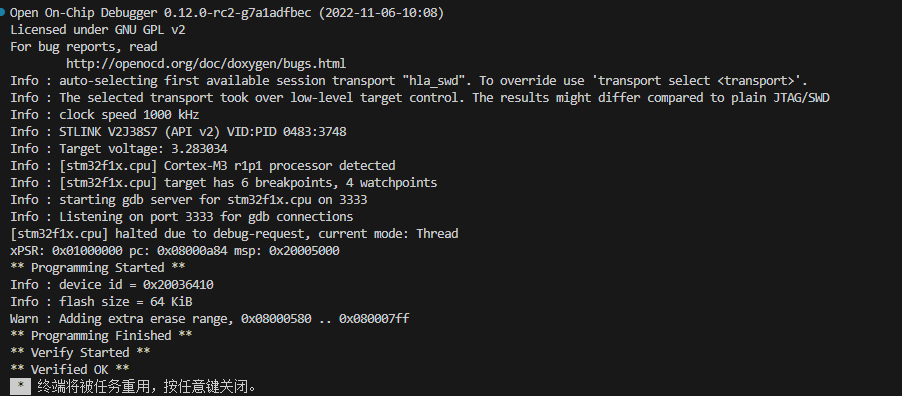
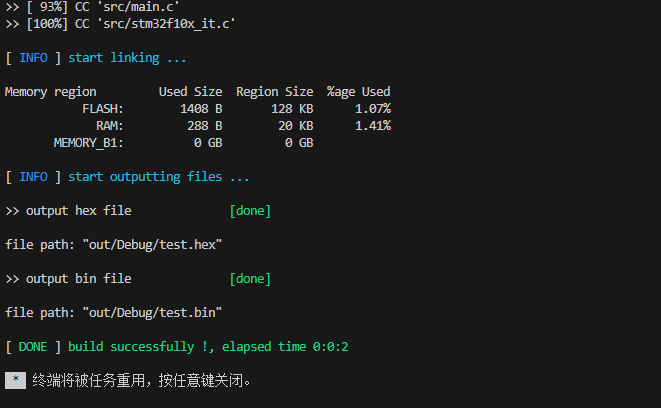
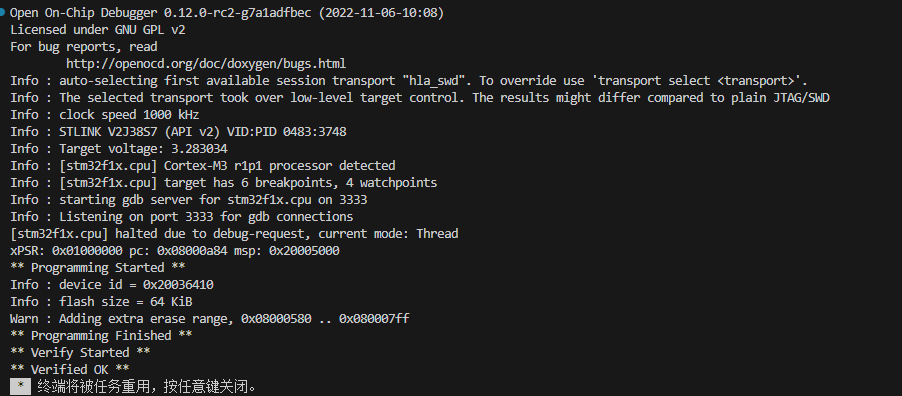
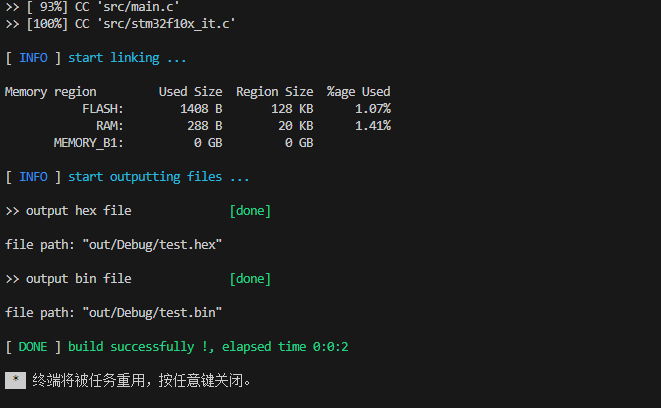
编译下载看现象
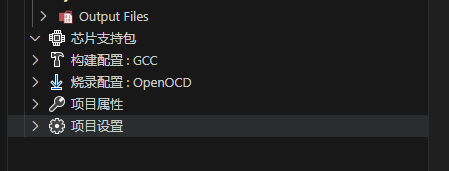
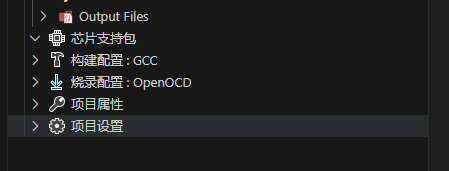
这里的项目配置不要出错
最后更新于 Mar 21, 2025 15:42 +0800

 就是按一下按键led pc13状态反转一次
 编译下载看现象